
Bortom Website Redesign
In this case study, I break down my work on the corporate website for Bortom®, a tech and software consulting company. I designed the entire user interface, created a custom iconography system, implemented animations and interactions, and coded custom Elementor components to power a clean and scalable WordPress experience.
📍 Tech Stack:
- WordPress + Elementor
- Custom PHP/JS components
- SCSS for styling
- Fully responsive layout
- Translation-ready header (multi-language)
🎯 Objectives
- Build a visually modern yet technically scalable website
- Create a unified design system from scratch
- Implement a fully responsive and interactive UI
- Add multilingual support with dynamic header interaction
- Ensure smooth performance despite custom animation layers
🧩 Custom Design System
Keywords: UI design system, custom icon design, scalable UI kit
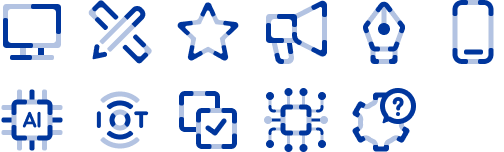
To keep the visual language consistent across the platform, I created a custom design system:
- Typography scale: For strong hierarchy across headers and content blocks
- Grid system: 12-column responsive layout
- Spacing & sizing tokens: For harmony and rhythm
- Iconography: I designed all icons from scratch for a unified, recognizable look
🎨 UI/UX Design Highlights
Keywords: UX case study, Elementor UI, modern web design
Some of the key UI decisions included:
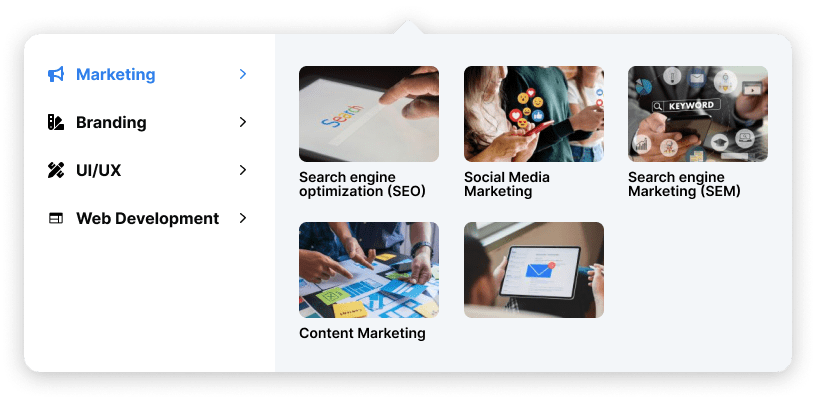
- Interactive Header Menu: I created a custom hover effect with a visual preview menu to elevate discoverability.
- Service Cards: Distinct icon-based service tiles were designed to make offerings skimmable.
- Section Scroll Balance: Clean visual breaks guide the user down the funnel.
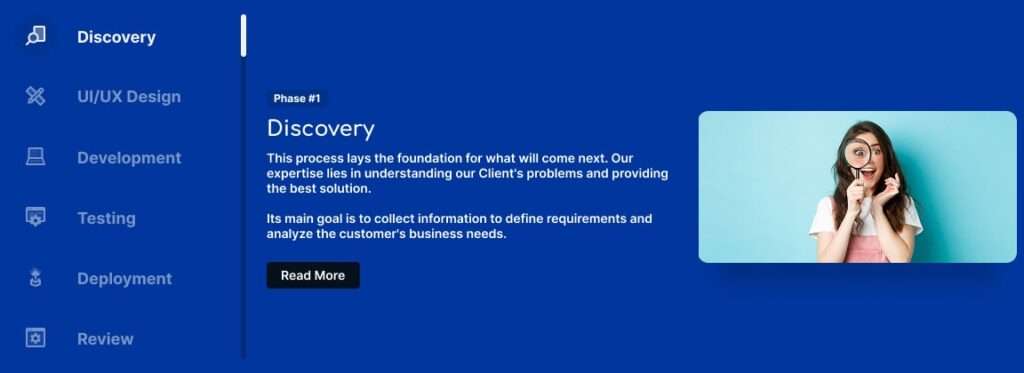
- Process Timeline: I built an interactive process block, each phase with animation on scroll.
🧑💻 Custom Elementor Add-ons
Keywords: Elementor developer, WordPress customization, Elementor hover effects
To overcome Elementor’s default limitations, I developed several custom features:
- Header language switcher with icon flags
- Hover interactions using JS/CSS blend
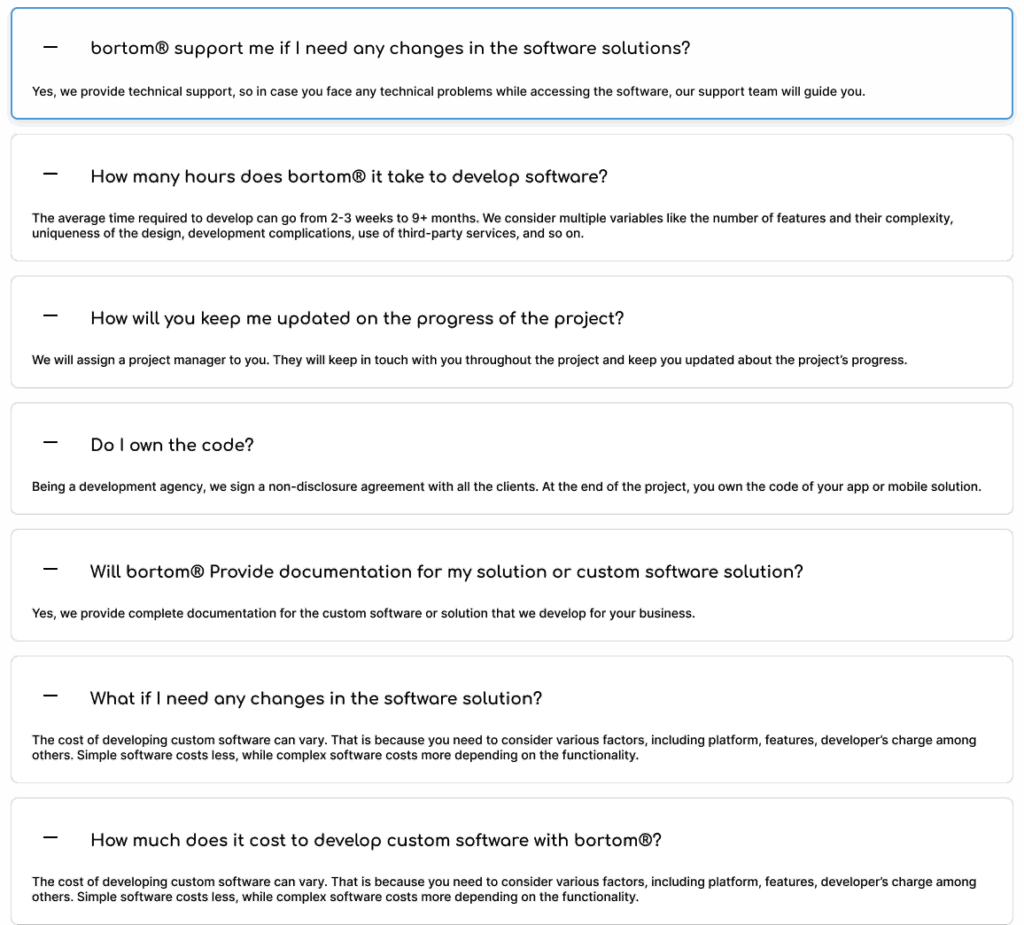
- Custom widgets for services, process blocks, and FAQ accordion
- Animation effects triggered on viewport scroll, all lightweight and optimized
🌍 Multilingual Support
Keywords: translation-ready website, multilingual WordPress
I integrated a dynamic language toggle using localized strings and Elementor-compatible switch logic. The header dynamically adjusts language content without full page reloads.
- Language switcher added via custom PHP + JS
- Flags with icons for visual clarity
📱 Mobile Responsiveness & Optimization
Keywords: responsive web design, mobile-friendly site, web performance
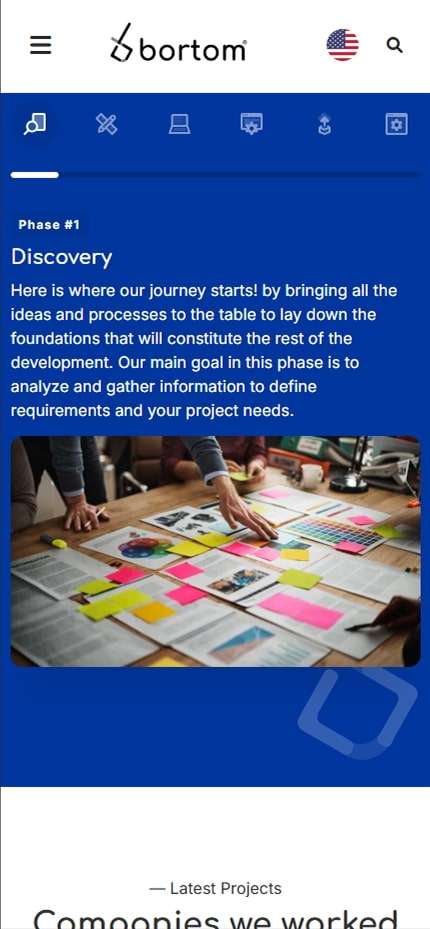
Every element from navigation to content cards was reflowed for mobile-first interaction. This included:
- Custom mobile menu with collapsible sections
- Optimized image delivery (WebP, lazy loading)
- Minimized scripts to reduce load time
📢 Results & Takeaways
Keywords: web design results, portfolio highlights
✅ Performance: Smooth animations without performance loss
✅ Brand Identity: Strong visual consistency via custom icons and design tokens
✅ Scalability: Easy to update with new sections or languages
✅ Client Feedback: Positive response on interactivity and professionalism
📎 Frequently Asked Questions Section
To help users and clients understand the scope of support and timelines, I added a dynamic FAQ accordion. This was implemented using custom Elementor shortcode blocks and styled for accessibility.
💬 Contact Form Integration
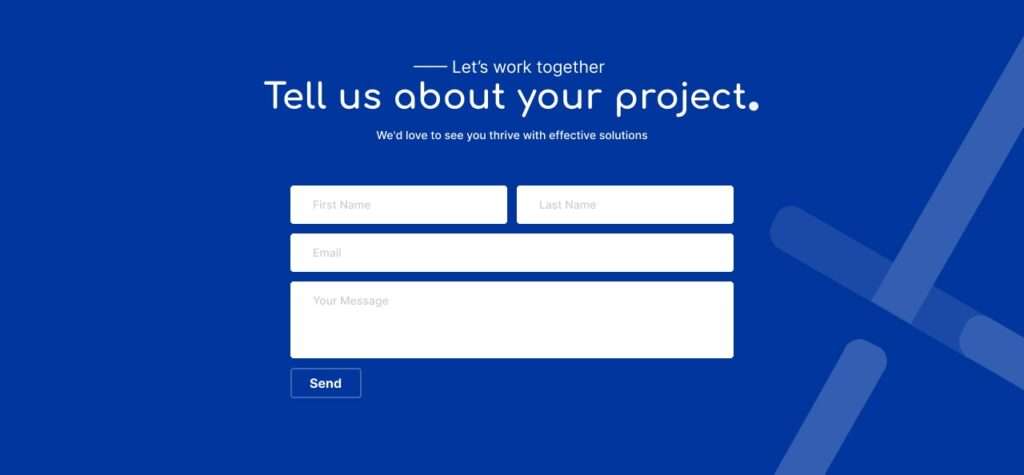
At the bottom of the page, a simple but effective contact form allows potential clients to reach out. This was built using Elementor’s form module but customized for a fluid experience.
🎓 What I Learned
- Building for Elementor doesn’t have to mean sacrificing control—custom code fills the gaps beautifully
- A consistent icon and design system saves hours in long-term maintenance
- Small details like hover effects and scroll animations create huge UX wins
🔗 Want Something Similar?
If you’re looking for a custom-designed website with strong visual identity and high-performance code — let’s talk!